Caption Templates That Fill Themselves From Your Roster
The same handful of fields, frame after frame. Name, caption line, keywords, person tag, each one holding a version of a fact you already know. It's the part of the edit nobody quotes for.
Your caption template already knows which fields you want written. What it has been missing is a source for the name. GalleryID Desktop binds a roster to the folder, so the template stops being a form you fill and starts being a form that fills.
What a Caption Template Actually Holds
A sports caption isn't one string. It's one name in several shapes. The name field takes the short form. Your caption line needs the whole sentence, with the action and the context around it. Keywords get it split apart. Exactness matters most in the person tag, because that's the field other software reads later.
Fill those by hand and you've entered one athlete four times, in four grammars, for one frame. Then the next frame. That cost only shows itself at the end of a season.
The person tag carries more weight than it looks. That's the field a search reads months later, which is why an inconsistent short form does more damage than a missing one.
A caption template is where you settle those shapes once. Which field takes the short form, which takes the long one, what the shared game text says. If you built that thinking into Photo Mechanic code replacement values over a few seasons, none of it goes in the bin. GalleryID Desktop reads them, and they keep doing their job. What the template gains is a source for the name.
One Entry, Then the Fields Fill
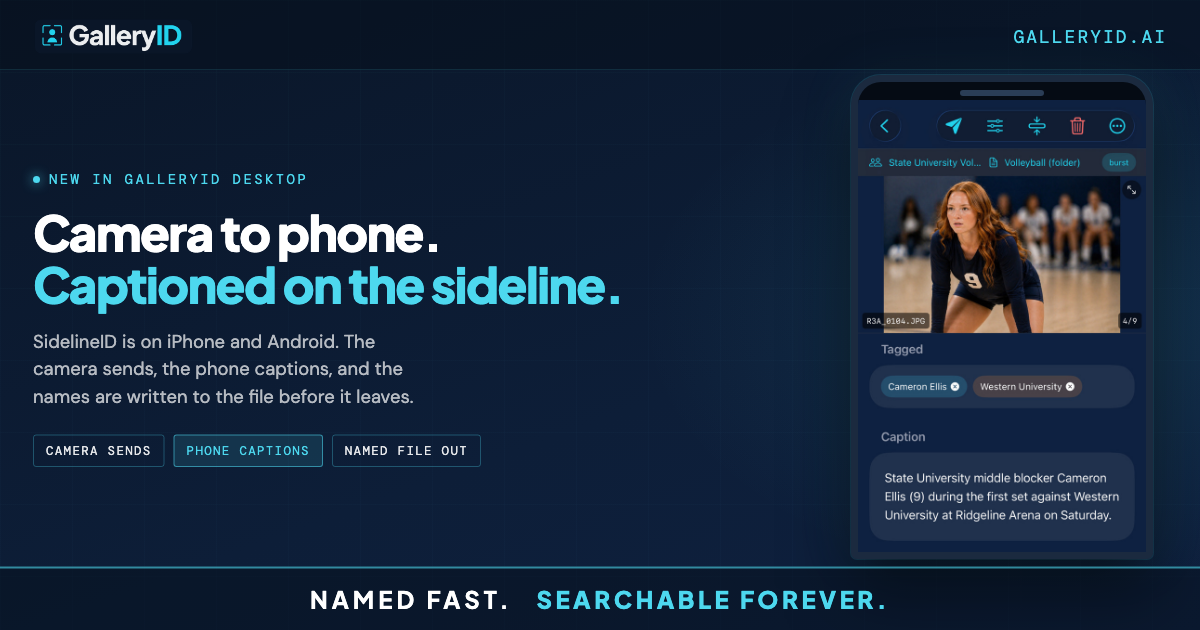
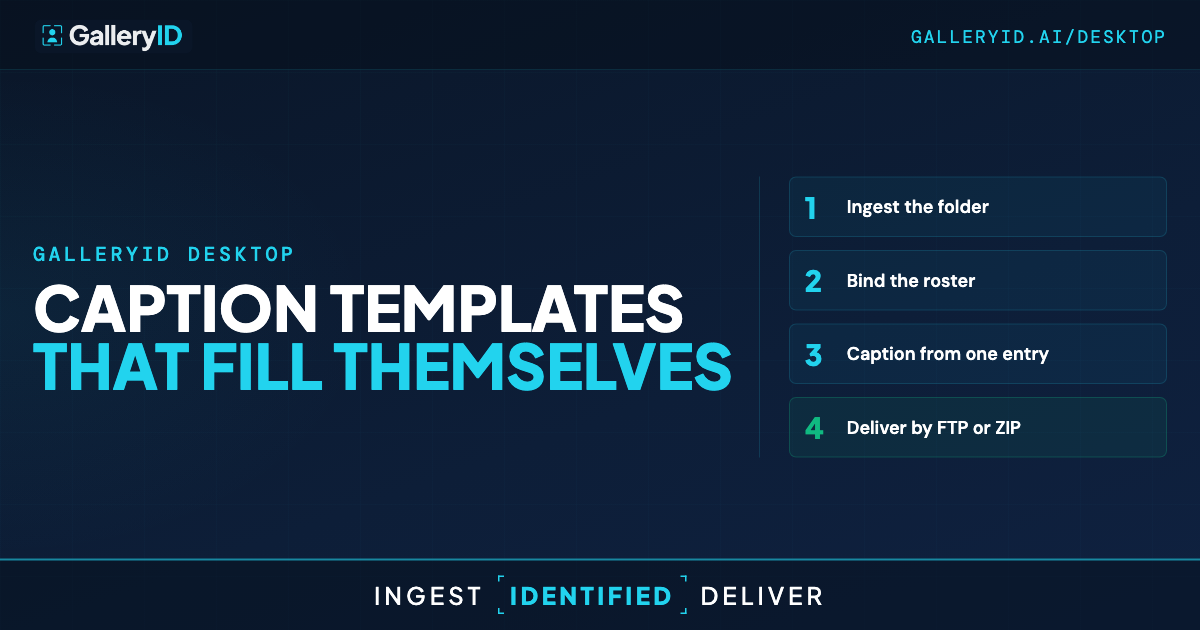
Bind the roster to the folder before you start. After that, one entry carries the frame: type the player's shortcode into the CaptionID bar and the short form drops into the name field while the long form writes the caption line. The bar clears itself, so the next code goes straight in. A common code holds the shared game text, the parts that don't change from frame to frame.
That's CaptionID, and it asks for no headshots at all.
MatchID is the accelerator sitting on top of it. Facial recognition for sports photos, matching faces against the headshots you indexed locally, with jersey number reading as a second signal. Quick, when faces read clean.
Plenty of frames don't read clean. Helmets, turned heads, a defender between the athlete and your lens. Jersey number reading recovers some of those frames, and whatever stays uncertain waits in a confidence-scored review queue rather than being guessed at. The roster path covers the rest. MatchID finds the athlete. CaptionID names them.
Where the Caption Template Fits in Your Edit
The order is the one you already work in. Ingest the folder off the card, cull, caption, deliver. All of it runs on your own Mac or PC. Nothing is uploaded and nothing is stored on our servers, so there's no quota counting how big the day was.
Captioning sits in the same slot it has held for years, between the cull and the send. Its length is what changes.
Give the review queue a pass before anything goes out. The uncertain frames are grouped together already, so it reads as a scan rather than a hunt.
On the way out, names are written to IPTC and EXIF, with a sidecar for RAW. They travel with the file. Open that frame later in Photo Mechanic, Lightroom or Capture One and the name is already attached, because it lives in the file itself. Token rename can pull from the same fields when a delivery spec wants the athlete in the filename.
Delivery is FTP or FTPS, with resize and watermarking if you need them, or a ZIP export with sidecars.
Set the Template Before Your Next Assignment
Do this while nothing is on deadline. Build the caption template the way you want the fields written, then bind the roster to the folder so there's a name source behind it. You aren't necessarily starting that roster from nothing, either. GalleryID Desktop ships with a roster library built in, covering NCAA Division I football, men's and women's basketball, plus the NFL, NBA, WNBA, MLB, NHL, MLS and NWSL, kept in sync inside the app. Set it up once and the next assignment asks you for one entry instead of four.
Frequently Asked Questions
What is a caption template in sports photography?
It's the rules deciding which metadata fields get written, and in what form. Short name in one field, the full caption line in another, keywords and the person tag alongside. You define it once.
Do I need headshots for CaptionID to write the name?
No. CaptionID works from the roster you bind to the folder, in one press or from a shortcode. Headshots are what MatchID uses when you want facial recognition running on top of that.
Will my Photo Mechanic code replacement values still work?
Yes. GalleryID Desktop reads them, so the setup you already built keeps working and Desktop runs alongside Photo Mechanic. Plenty of photographers move over entirely. Nothing forces it.
What happens on helmet sports where faces are hidden?
Facial recognition struggles when the face isn't visible, and we'd rather say so. Jersey number reading recovers a share of those frames. What sits under your confidence threshold waits in a review queue, and the roster covers the rest.
Where do the names end up after I set the caption template?
In the file. Desktop writes them to IPTC and EXIF locally, with a sidecar for RAW, so a frame opened later in Lightroom or Photo Mechanic already carries the name.