A Sports Photo Catalog on Your Phone, Over Your Wifi
Looking up one athlete from last season shouldn't mean waiting on a sync. With a large archive, phone photo sync spends most of its time working out what needs to move, and you still end up with a flat camera roll.
GalleryID Desktop takes a different route. Its Catalog turns your drives into a sports photo catalog you can search by name, then carries it to your phone over your own wifi. Nothing's uploaded.
Why a Sports Photo Catalog Beats Phone Photo Sync
Photo sync was built to copy a camera roll. It compares one side with the other before it moves anything, and with a big archive that comparison can eat most of the time. What lands on your phone is a grid with no athlete names, no folders, no roster.
An archive needs an index that already knows what you have. Point the Catalog at a folder or a whole drive, once. Desktop reads your photos (it never changes them), builds a thumbnail and a large preview for each, and records names, folders, captions and ratings. Run it again and it skips what it's already seen.
Then the drive goes back on the shelf. The names you wrote to the file in XMP and IPTC metadata are what you search, by name, keyword or filename, with the drive unplugged.
The HD preview is what you see offline, and it's what goes to your phone. A green dot in the Catalog means a drive is connected. Grey means you're looking at previews. Rename a drive and it re-links the next time it's connected, because drives are tracked by hardware identity.
Choose What Your Phone Carries
Your phone doesn't need the whole archive in HD. It always gets thumbnails for the full library. HD previews cover a window you choose, so you decide how far back they go, and older photos still show as thumbnails.
You also set the preview size and quality. The longest edge runs 1600, 2048, 2560 or 3072px, and JPEG quality runs q75, q80 or q85. At 3072px, previews hold up when you zoom in on a jersey number. The trade is disk space. Estimate storage samples a small set of photos from a folder at your settings and works out the total. Nothing gets cataloged or changed.
Change the size later and it applies to new previews. Regenerate Previews rebuilds the existing ones, and skips any already at your settings.
The catalog has two parts: the database, which is the index, and the preview store, which is usually the bigger of the two. Storage and Backup moves the previews to a bigger drive when your computer runs short. Everything is copied and checked before the switch.
Pair Your Phone, Then Search Your Sports Photo Catalog
Setup is three steps. Get GalleryID Desktop for iPhone or Android from your app store. On your computer, go to Catalog, Pair Phone, Turn On, and a pairing code appears. Scan it with the GalleryID app, not the phone's camera, which only opens a web page. If a phone can't connect, Pair Phone opens diagnostics, and Regenerate code makes a new pairing code.
Keep both devices on and plugged in for the first sync. The catalog arrives first, then thumbnails, then HD previews, and it resumes if it's interrupted. It's fast because the index already exists. No cloud, no accounts.
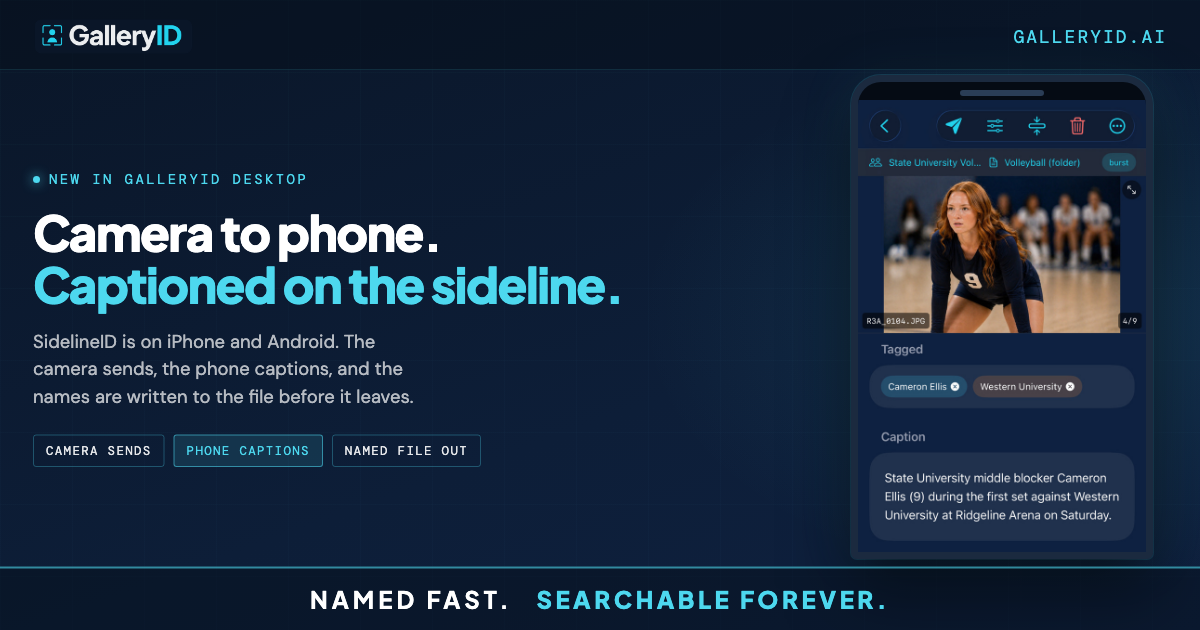
After that, type an athlete's name and the photos come up, with your computer at home. Favorites and collections live on the phone too. The same app captions frames as the camera sends them, which is SidelineID.
Catalog Your Next Drive
Start with the folders you search most. Add more later with Add folders, and Re-index picks up what changed. Pick one drive and catalog it in GalleryID Desktop. Pair your phone, choose how far back HD previews go, and search a name. The names stay in the file, so they read the same in Photo Mechanic, Lightroom or GalleryID Desktop, and the three ways to caption still apply to the next game.
Frequently Asked Questions
Does the sports photo catalog need GalleryID Cloud?
No. GalleryID Cloud is a separate product with a separate subscription. The Catalog is part of GalleryID Desktop, and your phone talks straight to your computer over your own wifi. Nothing is uploaded.
Does the phone carry my original files?
No. It carries previews: thumbnails for the full library and HD previews for the window you choose. Full-size originals stay on your drives. GalleryID Desktop runs on macOS 12 or later and Windows 10 or 11, and both devices need to be on for the first sync.
Does the Catalog see edits I make in Photo Mechanic or Lightroom?
Yes. When the drive connects, a quick sync picks up changed files. Tools that keep file dates unchanged can slip past it, and the re-read option covers those. You can also edit metadata with the drive unplugged, and it writes to the file when the drive connects.
Can I search my sports photo catalog on my phone without the drive?
Yes. Search by name, keyword or filename with the drives unplugged and your computer at home. Thumbnails cover the whole library, and HD previews cover the window you set.
Can I try the phone app without a computer nearby?
Yes. Tap Try with a Sample Catalog on the app's opening screen to look around a demo library.