GalleryID Desktop: Local Photo Tagging for Mac and PC
You come back from a full day of coverage with hundreds of finals, and they all still need the right name attached. Local photo tagging keeps that work on your own machine. No upload wait, no gallery to spin up first, no quota counting down while you edit.
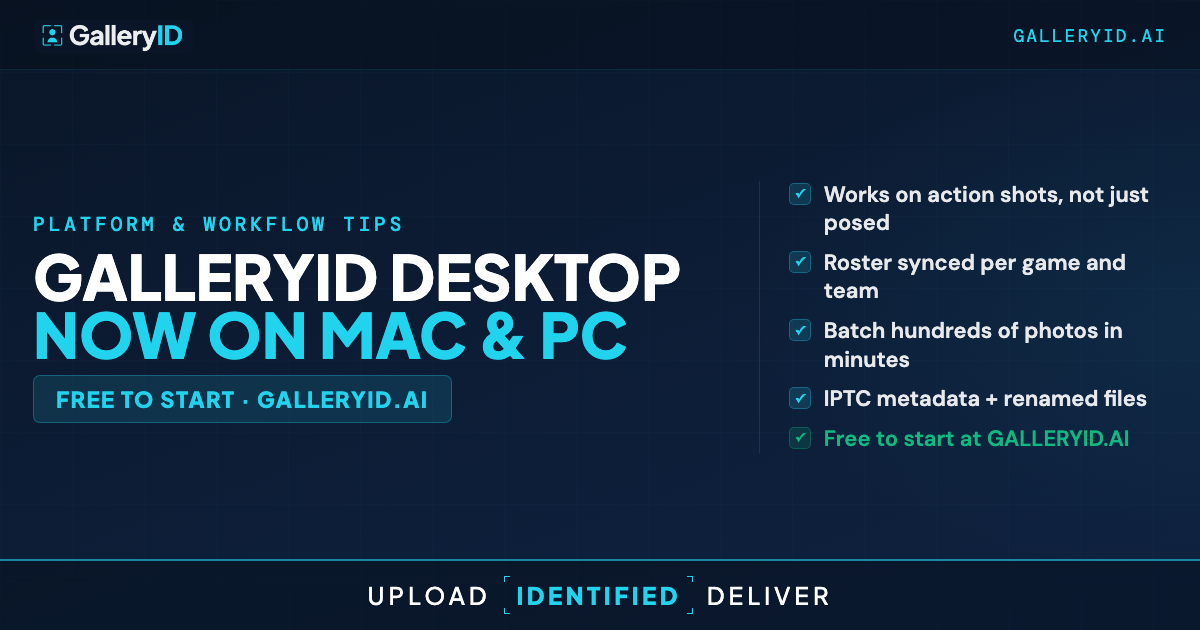
GalleryID Desktop runs MatchID, the same identification engine behind GalleryID Cloud, right on your computer. It's now available for Mac and Windows, so it fits wherever you already edit. Your photos never leave the machine, and there's no quota ticking down while you work.
What Local Photo Tagging Looks Like on Your Machine
The Desktop flow is Ingest, Identified, Deliver. You point it at a folder, and token rename plus saved ingest profiles turn the next event into one click. Nothing gets copied to a server. MatchID then names players against the headshots you've indexed on the same computer. The headshots and their face data stay local too, and the model never trains on your photos.
Confidence thresholds decide what gets named automatically and what waits for you. Clean, high-confidence matches embed on their own. Borderline ones land in a review queue, where a quick-tag from the roster clears them in a second. Star a clean match with Use as reference and it becomes a new reference face, so the next event with that player names more of them on its own. It's the same honest approach GalleryID Cloud takes, just running where your files already live. If you already lean on batch renaming photos by player after tagging, it slots right into that habit.
The Catalog: Your Whole Archive, Offline
Desktop ships with the Catalog, which indexes whole drives into a browsable archive. Once a drive is indexed, you can browse it, search by name, keyword, or filename, and preview the library with the source drives unplugged. HD previews come with a quality dial, higher when you're reviewing closely, lighter when you just need to scan, and folder drill-down keeps a full season navigable.
When a client asks for a specific athlete from three tournaments back, you don't dig through external drives one at a time. You search the catalog, find the frames, and batch export HD previews or originals with the people, keywords, and capture date already written into the exported files. The archive that was sitting dark on a shelf becomes something you can actually work.
Fitting Local Photo Tagging Into Your Delivery
Delivery stays yours. Send to FTP with optional resize and watermark, export a ZIP with sidecars, or run a token rename on the way out. Because names are embedded in IPTC and EXIF (with a sidecar for RAW), they travel into Photo Mechanic, Lightroom, and Capture One with nothing locked inside the app. A consistent filename protocol that holds up all season carries straight through.
A built-in Roster Library gives you a manual names-and-numbers lookup for hand-tagging, so you're not copying names out of a PDF. It covers the NCAA D1 football and basketball programs plus the major pro leagues, synced inside the app. Desktop starts with a 14-day free trial, then runs on per-device pricing: $20 a month or $200 a year for the first device, and $10 a month or $100 a year for each device after that. Want hosted galleries and share links too? Run GalleryID Cloud alongside it. Same engine, two products, pick what fits the job.
Try It on Your Next Edit
Download GalleryID Desktop for Mac or Windows and point it at the folder you're editing right now. Index a roster, let MatchID name what it can, clear the review queue, and deliver with names already in the files. If it fits how you work, the Catalog is waiting to make the rest of your archive searchable too.
Frequently Asked Questions
How is GalleryID Desktop different from GalleryID Cloud?
Both run the same MatchID engine. Cloud processes a gallery you upload and hosts it with share links; Desktop runs the identification locally on your computer, so nothing gets uploaded. They're independent subscriptions, photographers can run both.
Does local photo tagging work on both Mac and PC?
Yes. GalleryID Desktop is available for Mac (macOS 12 and later) and Windows (10 and 11). The workflow is the same on both, so local photo tagging looks identical whichever machine you edit on.
Are my photos uploaded anywhere?
No. Your photos and the headshots you index stay on your computer, and there's no quota. The Catalog stores previews locally so you can browse offline, and removing something from the catalog never touches the source files.
What happens with helmet sports where faces are hidden?
Face recognition works best when faces are visible, so helmets and tough angles are honestly harder. GalleryID narrows candidates by jersey numbers when both teams are indexed, and anything it isn't sure about goes to the review queue for a quick call instead of a wrong guess. Sideline and helmet-off frames still name cleanly.
Do the names work in Photo Mechanic and Lightroom?
They do. Desktop embeds names in IPTC and EXIF (with a sidecar for RAW), so anything that reads standard metadata sees them. Open your delivered files in Photo Mechanic, Lightroom, or Capture One and the names are already there.