Photo Organization for College Athletic Departments
By Sunday morning, your athletic department has photos from a Saturday football game, a soccer match, a volleyball match, and a cross country meet. Different photographers. Different folders. Different naming conventions. Comms wants social content. Development needs photos for the donor newsletter. Marketing is building a graphic for the conference media kit. The galleries exist. Nobody can find anything.
Photo organization for college athletic departments isn't a folder problem. It's whether your staff can find a specific athlete in seconds, or whether they're scrolling through a Saturday's worth of galleries hoping to recognize them. GalleryID identifies your athletes against the rosters you uploaded and writes the names into the photo files so search actually works.
What Photo Organization Actually Requires at the College Level
Photo organization at the college level isn't a folder structure problem. It's an identification problem. Folders by date, by sport, by photographer all work fine, until someone asks for one specific athlete across three seasons. Then the folder system stops being organization and starts being a search-by-eye exercise that takes hours.
The challenge scales with the calendar. Fall alone might cover football, soccer, volleyball, cross country, plus club and feeder programs. Each weekend produces hundreds of photos across several galleries. By Sunday afternoon, comms is making decisions about Monday morning posts. They need to find the right athlete in the right play, and they need to find them now.
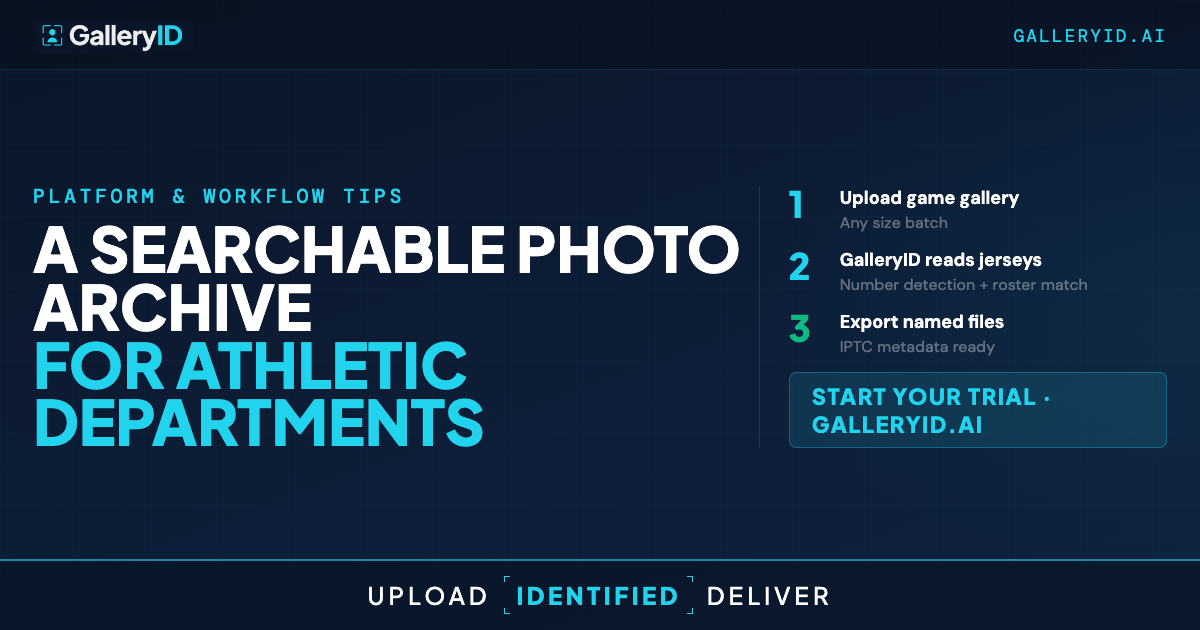
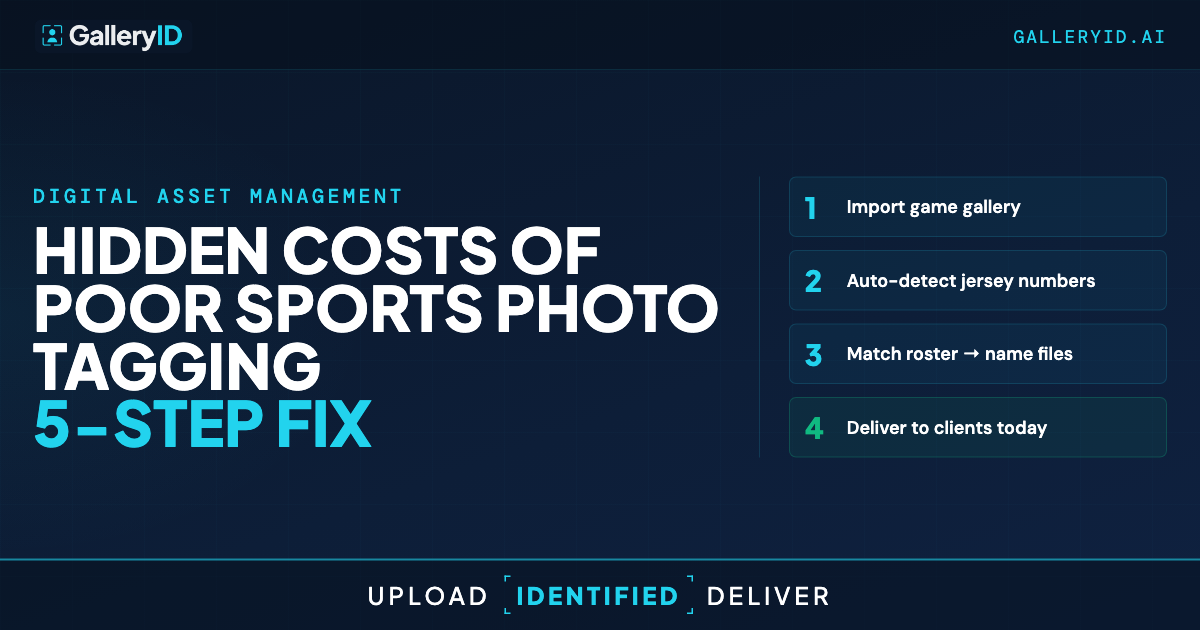
GalleryID handles the identification piece. MatchID combines face recognition and roster matching against the headshots you uploaded, narrowed by jersey color when both teams' rosters are in the gallery. Names get written into XMP and IPTC metadata. The result: a library where any staff member can search by athlete name across sports and seasons and have usable images in seconds.
Multiple Photographers, One Searchable Library
College athletic departments don't have one photographer. A typical program has staff covering the marquee sports, freelancers picking up the rest, parent volunteers at feeder events, and event-day contributors handling tournament weekends. Their files arrive in different folders, named different ways, with whatever metadata the camera wrote.
GalleryID treats the gallery as the source of truth, not the photographer. Staff and freelancers can be added as users. Parent volunteers and event-day contributors upload through a gallery-specific URL that doesn't require an account. Files route to the right gallery automatically. MatchID processes them the same way regardless of who uploaded.
Once processed, files come out the other side with names already embedded. XMP metadata embedding means the names stay in the file when you push to a wire service, a conference media platform, or your own archive via built-in FTP and SFTP export. The metadata travels.
Where Photo Organization Pays Off Across the Department
Photo organization earns its keep when the work it supports stops eating staff hours. Four places the savings show up.
Game-day social. An athlete has a standout game. Comms needs their photos pulled, named, and ready for the team's social channels by the next morning. They search the archive by name, build the assets, and have the post out.
Alumni at events. Once an alumnus is indexed in the roster, their photos get tagged automatically at homecoming, donor receptions, and Hall of Fame nights. The archive grows by itself.
Development and creative. Creative needs a specific midfielder for a graphic. Comms is writing a feature on an alumna swimmer. Both searches take seconds against the named archive.
Approved content for social and NIL. AthleteID is the athlete portal for distributing approved content. Your department pushes named photos to each athlete's account, they log in, and the photos download with names already in the file. Ready content for their own posts and personal brand work under your department's branding.
Department-level pricing keeps rollout straightforward. Storage starts at 2 TB with no per-sport, per-seat, or per-photographer fees.
Start With One Sport
The fastest way to know whether photo organization changes your workflow is to try it on one sport. Upload the roster. Process a few galleries from the current season. Search by athlete and see what comes back. GalleryID runs a 14-day trial, no credit card required. Pilot with football this fall, or start with whichever sport is producing the most photos right now. Add your roster. Automate your season.
Frequently Asked Questions
How does photo organization scale across multiple college sports?
GalleryID indexes athletes from the roster headshots you upload per sport. When a gallery processes, MatchID writes athlete names into XMP and IPTC metadata. Your staff searches the archive by athlete name and filters by gallery to narrow to a specific sport, season, or event.
What happens when our staff downloads photos for social or media use?
Names are already in the files. The XMP PersonInImage, headline, and caption fields are populated on download. The athlete's name travels with the file. Photo Mechanic, Lightroom, Capture One, and Photoshop read it natively.
Does the matching work for helmeted sports like football and lacrosse?
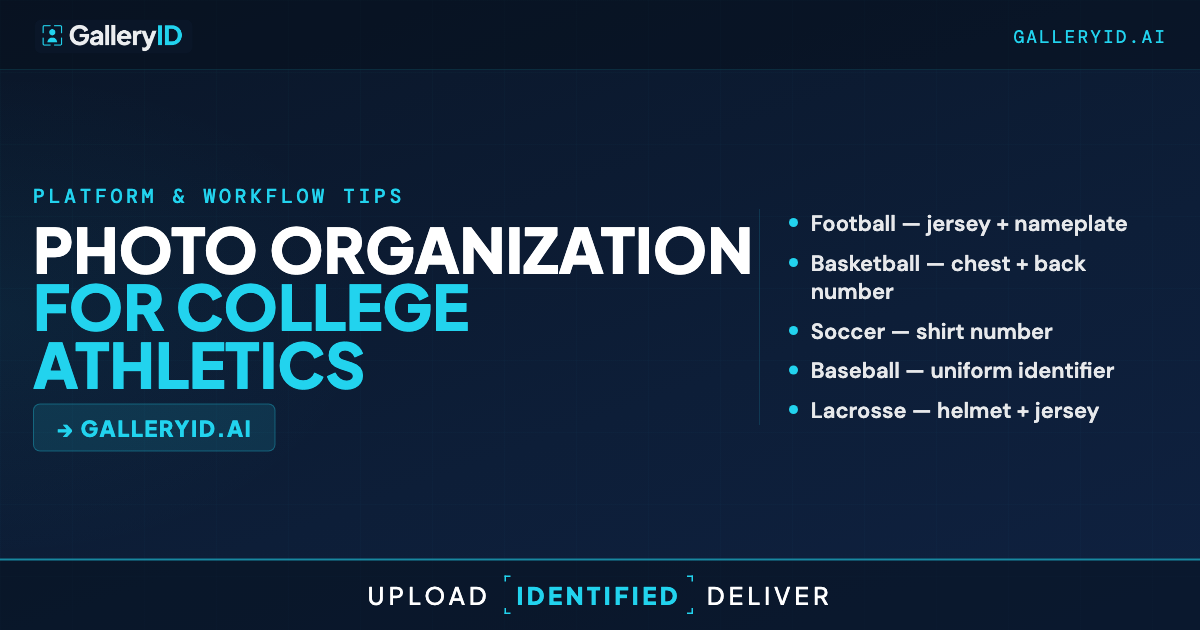
Face recognition is honest about its limits. Football helmets, hockey gear, and lacrosse facemasks reduce face match probability when the face is obscured. You still get good results on sideline frames, helmet-off moments, and any shot where the face is visible. For action frames where helmets cover the face, those go into the confidence-flagged review queue for the photographer to confirm. Jersey color helps narrow the candidate roster to the correct team when both teams are uploaded.
How does NIL content distribution work through AthleteID?
AthleteID is the athlete portal to distribute approved content athletes can use for social media and NIL. Your department creates an AthleteID account for each athlete on your roster, pushes named photos to their account, and they log in to view and download with names already in the file. Athletes use those photos in their own posts and personal brand work. AthleteID handles content distribution to athletes.
How do we manage rosters across overlapping seasons?
GalleryID supports multiple rosters per department. Upload each sport's roster with an indexed photo for each player. Athletes who play multiple sports can be indexed across rosters. When rosters change through transfers or walk-ons, upload the updated roster and future galleries match against the current data.