Before the First Whistle
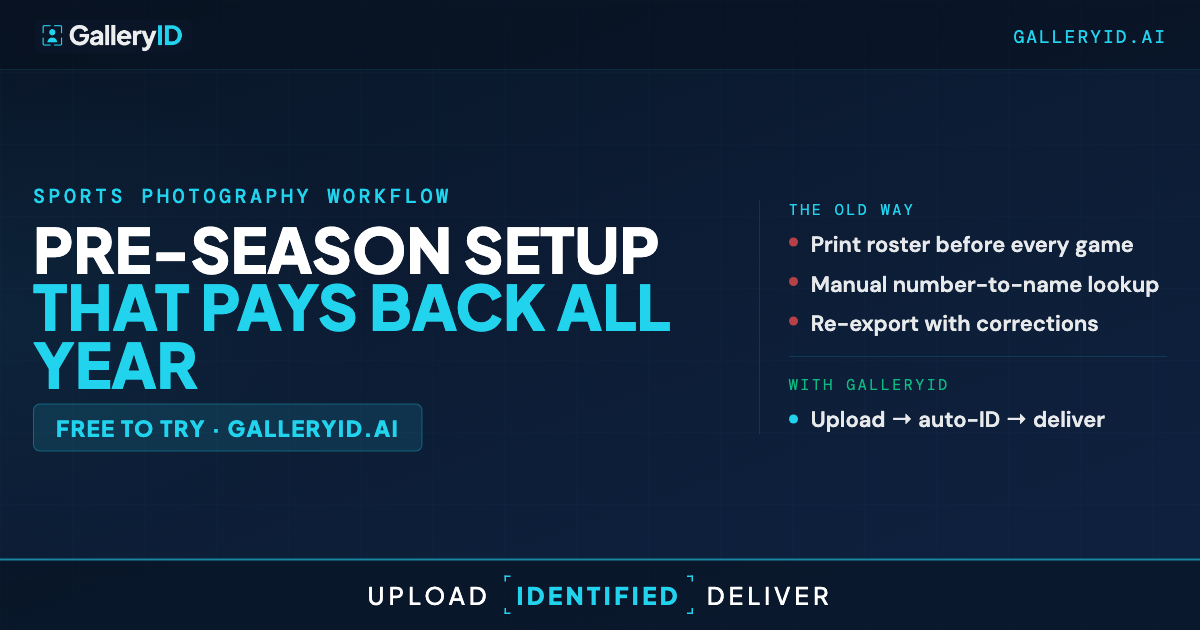
Game-day workflow is downstream of how the season was set up. Photographers who skip the pre-season setup pay for it in the review queue after each game. The auto-match struggles, the candidate pool is too wide, and the simple frames take three clicks instead of one.
The good news is the setup is small. Pre-season setup for GalleryID is closer to a single sitting per team than a long afternoon for the whole season. One pass through the roster, a folder structure, and a few permission settings. Done before the first whistle.
Three pieces matter. Roster headshots that index well. Both teams uploaded for any gallery so jersey color can narrow the pool. Folder structure and sport-scoped permissions for the photographers covering the season. Here's how to set each one up.
Roster Headshots Are the Index for the Season
The headshot is what MatchID indexes from. The quality of that headshot determines how cleanly auto-match works on each gallery the rest of the season. One photo per athlete, indexed once at roster upload, used over and over.
What makes a good roster headshot: frontal angle, even lighting, helmet off, neutral background if possible. For face-visible sports like basketball, soccer, volleyball, baseball, and softball, a standard portrait is enough. For helmet sports, plan a pre-season helmet-off portrait day. A clean headshot taken before the season indexes the face in a way that survives the partial coverage during action and matches cleanly on sideline frames. Helmet sports specifically lean hardest on this prep.
If you already have a set of team photos with person tags in the XMP and clear jersey numbers visible, those work as a roster source. MatchID parses the XMP PersonInImage field for the name and reads the jersey number from the image. The roster builds itself without you sitting and associating names to numbers by hand.
Indexing a single team is fast. A typical roster is one sitting, not a full afternoon. The payoff is months of cleaner auto-match passes against that same headshot.
Upload Both Teams So Jersey Color Can Narrow the Pool
For any gallery you process, upload both teams' rosters before MatchID runs. The jersey color boost only fires when there's both candidate pools to choose between. With both teams in, MatchID detects the jersey color in each photo and narrows the face match to the team wearing that color. Smaller candidate pool means higher confidence and fewer cross-team mistakes.
Honest note on the fallback: when jersey color is unclear (low light, motion blur, teams in similar shades, or a goalkeeper in a distinct kit), MatchID checks faces against both team rosters instead. Same end result, slightly more work for the review queue. The fallback is a feature, not a failure mode.
This is one of the highest-impact settings to get right. When jersey numbers are blocked or turned away, the team-narrowed face match is what carries the identification through.
Folder Structure and Sport Scoping for Multi-Photographer Teams
Set up folders once at season start. Nest by sport, season, and team. The structure decides where new galleries land later when contributors upload, so a clean hierarchy now saves hunting later.
For programs with multiple photographers, sport-scoped folder permissions keep the dashboard relevant. The basketball photographer doesn't see the football folder. The football photographer doesn't see basketball. Each contributor's view is just the work they're on.
Built-in roles cover most of what teams need: Viewer, Photographer, Editor, and Admin. Custom roles let you grant narrower permissions when needed, like upload-only or tag-approval-only. When a new photographer joins mid-season, scoped access is a few clicks instead of a permissions audit.
Run the Checklist Before Your First Game
The quick recap as a checklist: headshots uploaded for each athlete, helmet-off portraits planned for football, lacrosse, and hockey, both teams' rosters in place for any gallery you process, folders nested by sport, season, and team, sport-scoped permissions set for additional photographers. None of these takes long on its own. The compound effect across months of galleries is what makes the setup worth doing now.
After the setup, downloads carry approved names through the XMP metadata into Photo Mechanic, Lightroom, and Capture One. The pre-season work is what makes the rest of the season feel automatic.
Your roster does the work. GalleryID does the matching.
Frequently Asked Questions
What makes a good roster headshot?
Frontal angle, even lighting, helmet off, and a neutral background if possible. The headshot is the reference MatchID compares game frames against, so a clean, well-lit portrait pays back across the season. For helmet sports, this means scheduling a pre-season portrait day before the team starts wearing helmets in practice.
Do I need both teams' rosters uploaded for any gallery I process?
Yes. The jersey color boost narrows the candidate pool to the team wearing that color, which lifts confidence on each face match. With only one team uploaded, MatchID falls back to checking faces against just that roster. You still get matches, but you miss the team-narrowing benefit.
Can I update the roster mid-season?
Yes. Upload the updated roster with an indexed photo for any new player. Existing athletes' headshots stay in place, so you're only adding what's new. Number changes carry forward without re-indexing the face.
How do I handle multi-photographer access during the season?
Built-in roles cover Viewer, Photographer, Editor, and Admin. Custom roles let you grant granular permissions like upload-only or tag-approval-only. Sport-scoped folder permissions keep each photographer's dashboard relevant, so the basketball photographer doesn't see the football folder.
What if I only have part of a roster ready at season start?
Upload what you have and add the rest when you get it. MatchID works with partial rosters. Players without headshots land in the review queue for the photographer to confirm manually until the headshot is added. Catching up mid-season is straightforward.