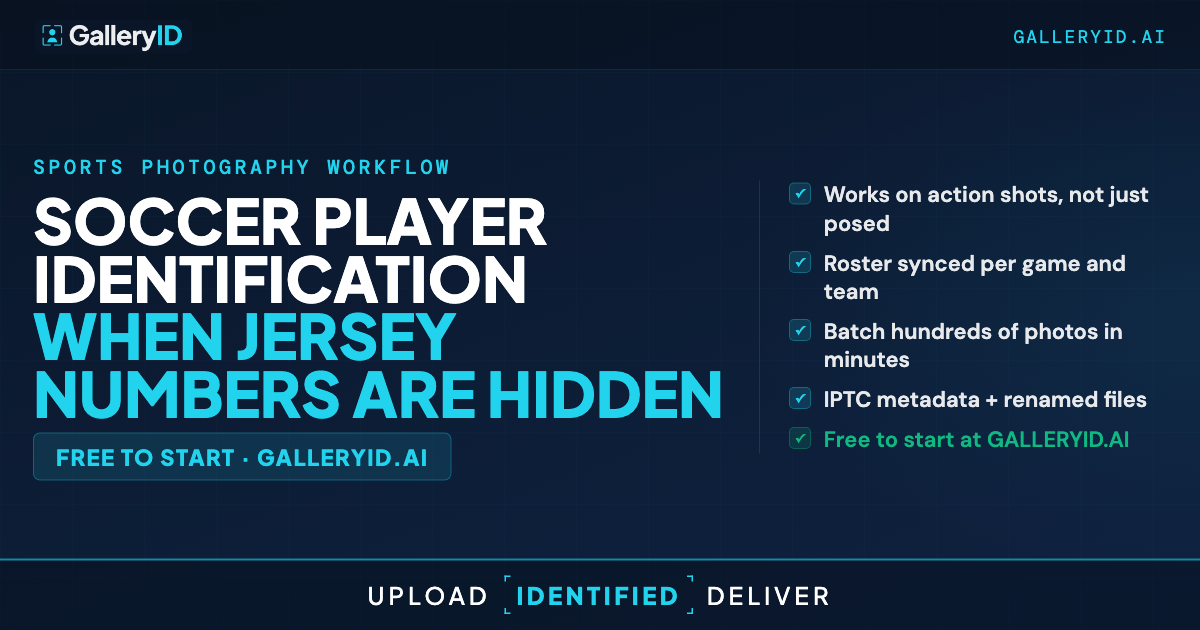
Soccer Player Identification When Jersey Numbers Are Hidden
Soccer is a face-recognition sport. Players don't wear helmets, visors, or masks. The face is on display the whole match. But the jersey number? That's on the shorts. Small. Printed on one hip. Visible only when the player is angled toward you on that side. And often hidden under an untucked jersey hanging over the shorts.
For sports photographers, this turns identification into a problem. GalleryID handles it by leading with face recognition and using jersey color to narrow which team's roster to check. When the number is obscured or the player is turned the wrong way, the face still identifies the player and the color confirms the team. Soccer player identification doesn't need the number at all.
Why Soccer Player Identification Breaks Down on the Pitch
The core problem in soccer player identification is placement. Soccer puts the number on the shorts, not the chest like basketball or football. That number is small, printed on one hip, and visible only when the player is angled toward you on that side. From the wrong angle, it's gone. From the right angle with an untucked jersey, it's still gone.
Untucked jerseys are common. Players pull them out for comfort, and the loose fabric hangs directly over the shorts number. You're staring at a frame wondering if that's a 1 or a 7. Across a match, a meaningful chunk of your action frames will have the number partially or fully obscured. Reading the number isn't the answer. You need an identification method that doesn't depend on it.
Face Recognition + Jersey Color Do the Work
This is where soccer works in the photographer's favor. Players have exposed faces throughout the match. No helmets, no visors. Face recognition becomes the primary identification method for soccer. MatchID also reads the jersey color in each frame and matches it to one of the two team uniforms you've uploaded for the gallery. That narrows the face-matching candidate pool to just that team's roster, not both teams combined. The hidden number doesn't matter. The color picks the team. The face picks the player.
A frame where the jersey is hanging over the shorts number still gets identified because the face matched the roster headshot. That contested header where both players are angled away from the number side? Faces are still forward. You need at least one method to connect, and in soccer, the face is almost always available.
Confidence scoring keeps you honest. When the face match is strong and the jersey color aligns with that team's uniform, you get a "Very High" tag. When the face matches but the jersey color is unclear (low light, motion blur, or similar team colors), confidence drops to "Probable." You review those, confirm or reject, and move on.
Setting Up GalleryID for Soccer Player Identification
Before the match, upload the rosters for both teams into GalleryID. Each player needs an indexed photo so MatchID can recognize them in the gallery. MatchID indexes the athletes from those photos and builds a matching profile for the match.
After the match, upload your gallery. Scope it to the correct teams using gallery-level subcategory tagging. This keeps MatchID checking against the rosters relevant to the match, not across unrelated sports you've worked. The system reads each photo's jersey color, matches it to the right team, then runs face recognition against that team's roster.
Review the results by confidence tier. "Very High" matches where face and team color align can be auto-approved. "Probable" matches (face only, jersey color unclear from the angle or lighting) take a quick visual check. That review is still faster than opening each photo in Photo Mechanic and typing names while cross-referencing a roster sheet. Once approved, XMP metadata embedding writes athlete names into the file. The names travel with files into Photo Mechanic, Lightroom, and downstream pipelines.
Cover the Warmup, Save the Post-Game
Next time you're pitchside for a match, don't skip warmups. Those clean, face-forward frames with visible shorts numbers give the AI its best reference data. Then when the whistle blows and jerseys untuck, angles shift, and numbers disappear under loose fabric, you've already built a foundation for accurate soccer player identification. Let GalleryID handle the number problem. You focus on the photography. Upload images. Automate IDs.
Frequently Asked Questions
Does face recognition work for soccer player identification when players are far from the camera?
It depends on how tightly cropped the face is. A tight crop with clear facial detail gives the AI plenty to work with. Wide shots where faces are only a few pixels will fall below the confidence threshold and go to the review queue. Tighter crops give the system more to work with.
How does GalleryID handle the small shorts numbers on soccer kits?
GalleryID doesn't rely on reading the number. The system uses jersey color to determine which team a player is on, then runs face recognition against that team's roster. The shorts number isn't needed because the face plus the color already identifies the player. That's why hidden numbers, untucked jerseys, and bad angles don't break soccer player identification.
How does GalleryID handle soccer player identification for both teams in the same gallery?
Upload the rosters for both teams before the match. Use gallery-level subcategory scoping to tag the gallery with both teams. MatchID reads the jersey color in each photo, narrows to the right team, then checks faces against that team's roster. Your own data, not a global database.
Do the XMP tags from GalleryID carry into Photo Mechanic and Lightroom?
Names are already in the files. The XMP PersonInImage, headline, and caption fields are populated on download. The athlete's name travels with the file. Photo Mechanic, Lightroom, Capture One, and Photoshop read it natively.
How do I prepare team rosters for a soccer match in GalleryID?
Upload the rosters for both teams ahead of the match with an indexed photo for each player. Mid-season trades just require uploading the updated roster with the new player's photo. MatchID indexes the new photos and includes them in future galleries.