Files and delivery
Export, watermark and sharpen
Write sized, sharpened and marked copies for delivery. Your originals stay as they are, and the names are in each copy.
Three ways out
| Route | Where | What you get |
|---|---|---|
| Export… | Right-click a selection | Rendered copies in a folder you pick, as JPEG, PNG or TIFF, with an optional token subfolder. |
| ZIP | Browse action bar (⌘⇧U) | One ZIP file, with the same size, sharpen and watermark choices. |
| FTP | Browse action bar (⌘U) | Sent to a saved destination. See FTP delivery. |
Copy to folder is not an export. It copies the original file as it is: no resize, sharpening, watermark, crop or edits.
Size and quality
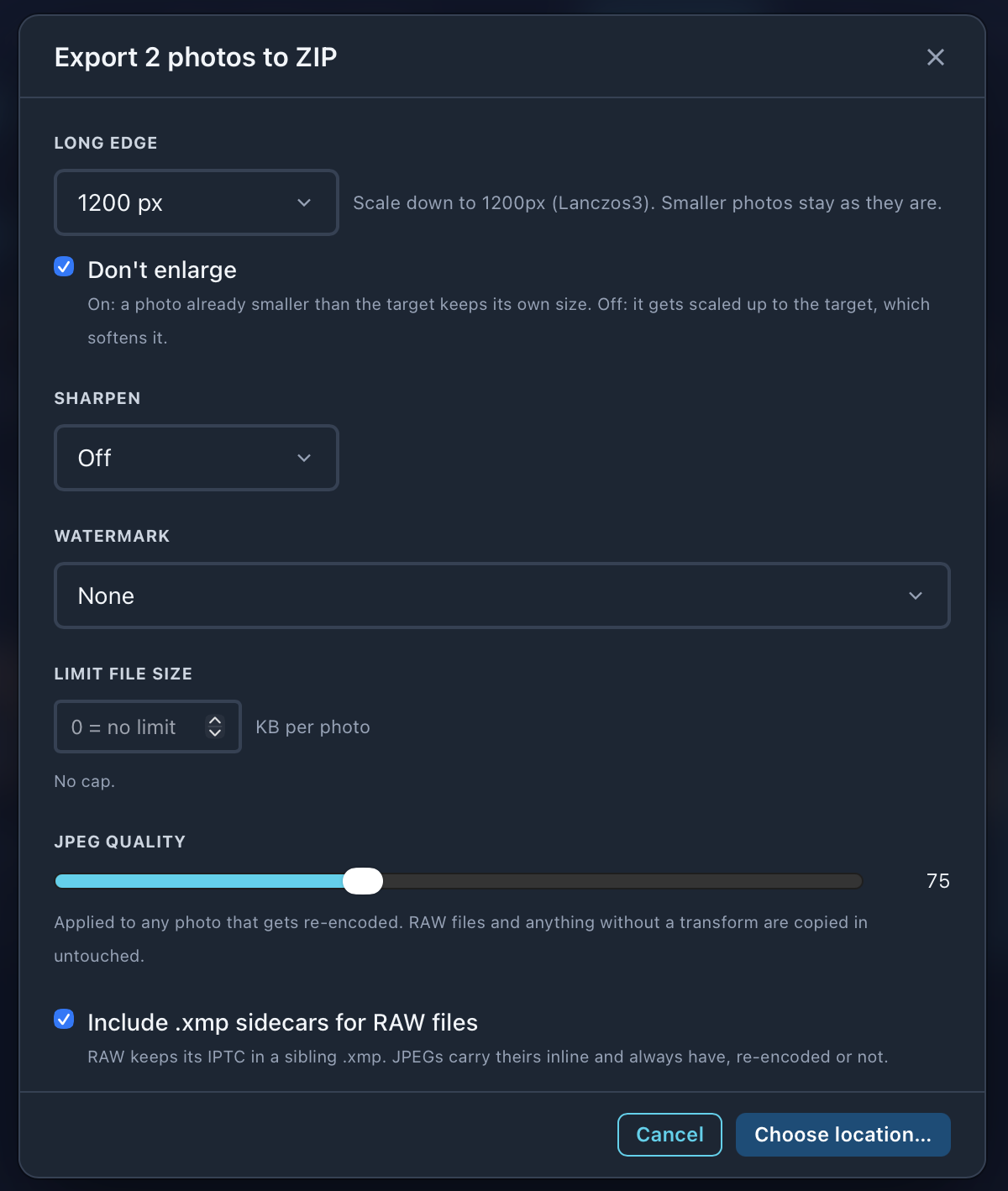
| Setting | What it does |
|---|---|
| Long edge | Original, a size from 800 to 3200 px, or Custom. |
| Don't enlarge | On: a photo already smaller than the long edge keeps its size. Off: it's scaled up, which softens it. |
| Sharpen | Off, Low, Standard or High. See below. |
| Watermark | None, or a saved watermark. See below. |
| Limit file size | KB per photo. Met by lowering the JPEG quality, never by changing the size. 0 means no limit. |
| JPEG quality | Used for any photo that gets re-encoded. RAW files, and anything with nothing to change, are copied in untouched. |
| Include .xmp sidecars for RAW files | RAW files keep their IPTC in a sidecar, so send it with them. JPEGs carry theirs inside. |
Crops and edits
- •Export to a folder has Apply saved crops and Apply adjustments. Each says how many of the selection have one.
- •ZIP always applies them.
- •FTP has Apply crops & edits to this send.
Sharpen
| Level | Use it for |
|---|---|
| Off | Pixels exactly as resized. |
| Low | Screen and social. |
| Standard | A typical delivery JPEG. |
| High | Print, or a heavy downsize. |
The amount scales with the size you send. It’s applied after the resize and before the watermark, so the logo is never sharpened. The Edit tab doesn’t show it.
On FTP, a sharpen level different from the destination’s saved one is marked (this send only).
Watermark
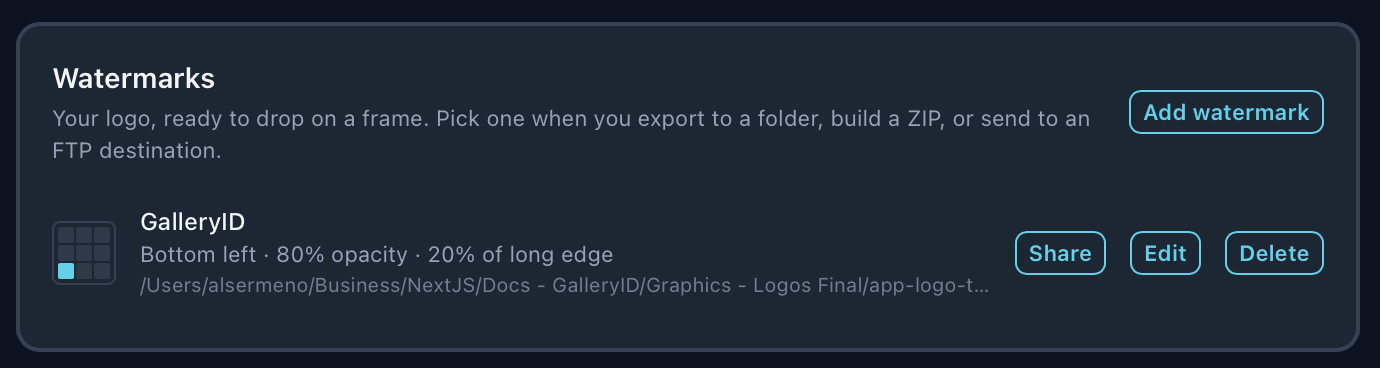
Build it once
Add watermark, name it, pick the image, then set its position, opacity and size. Size is a share of the delivered photo’s long edge, after any resize, so one mark reads the same on a 1200 px file and a full-size one.
Use a PNG with transparency. A JPEG works, but its whole rectangle prints, white corners and all.
Pick it per send
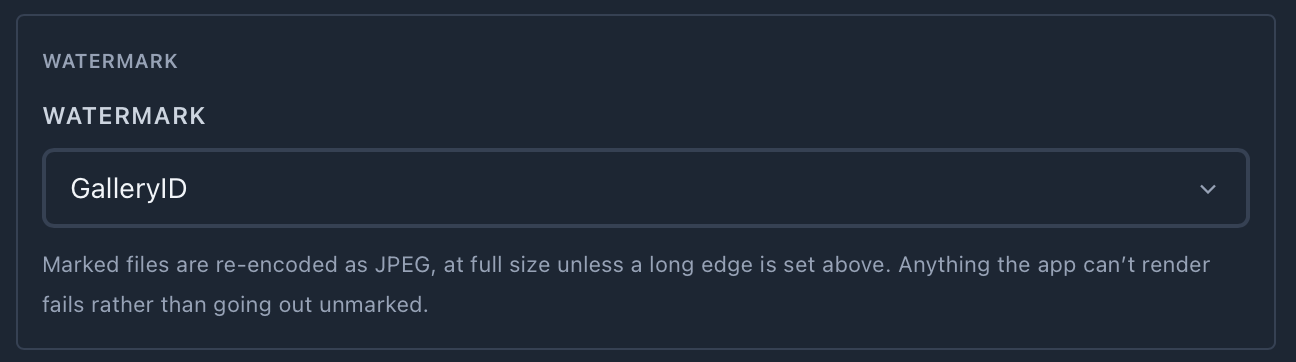
- •The Watermark picker is on Export, ZIP and Send to FTP. Each FTP destination can have its own default.
- •A marked file is re-encoded as JPEG, at full size unless a long edge is set.
- •Anything the app can’t render fails rather than going out unmarked.
- •Deleting a watermark tells you how many FTP destinations used it. They keep sending, without a mark.